
We’re excited to introduce version 4.1.0 of Advanced Database Cleaner, focused on performance, safety, and deeper control over your database.
This release brings powerful new tools to clean and analyze your WordPress database more efficiently.
All changes introduced in 4.1.0 are available across all editions: Free, Pro (LTD), and Premium.
🧹 New Cleanup Capability: Post Types
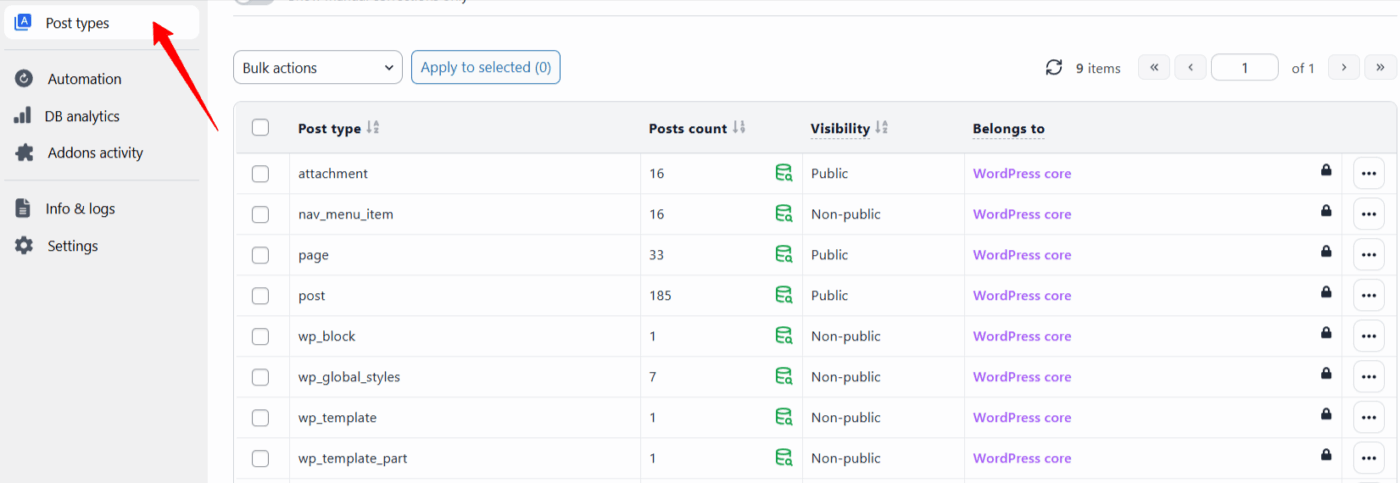
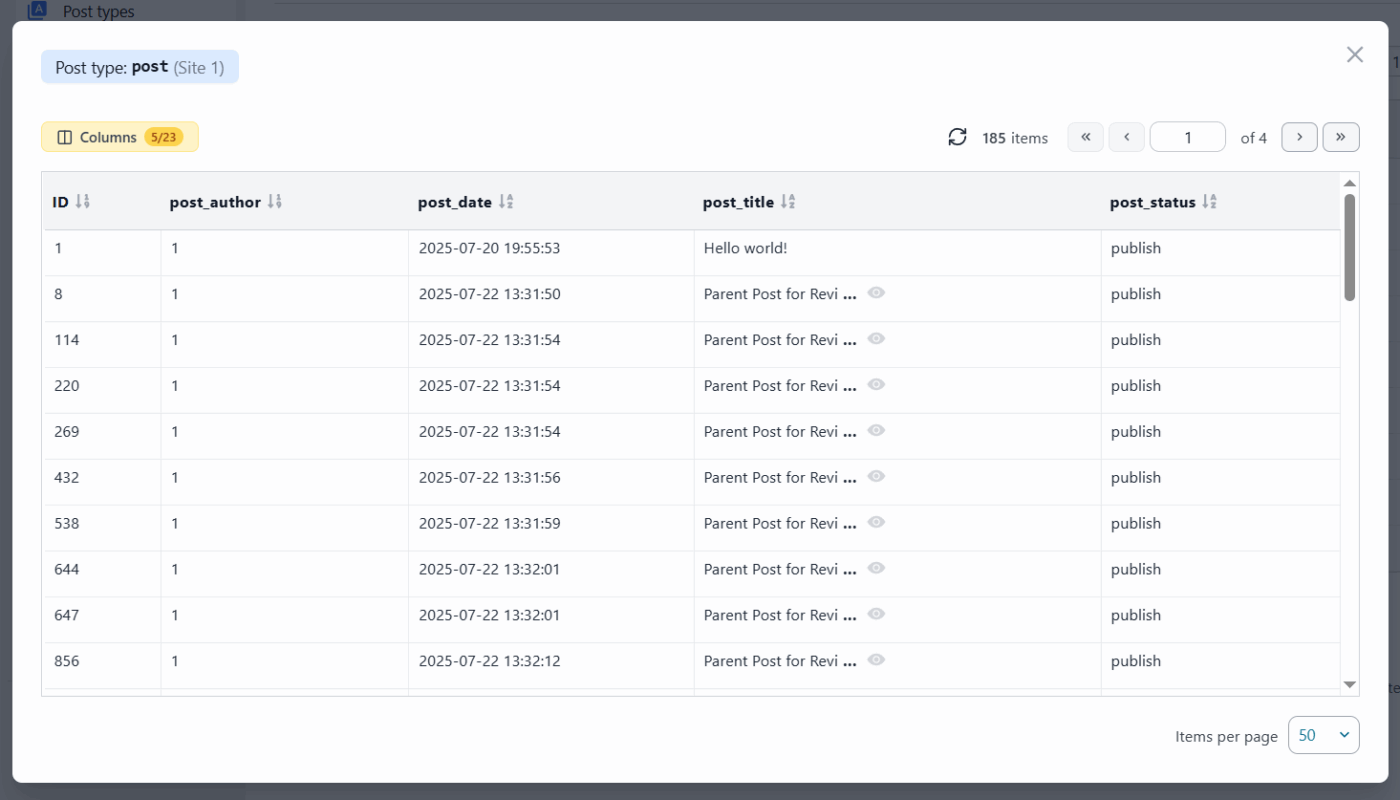
You can now clean post types directly from the plugin.
- View all registered post types (WordPress, plugins, themes)
- Identify unused or unnecessary ones
- Take action safely with built-in protections
This gives you more control over content structures that may accumulate over time.
⚡ Faster Workflow with Quick Actions
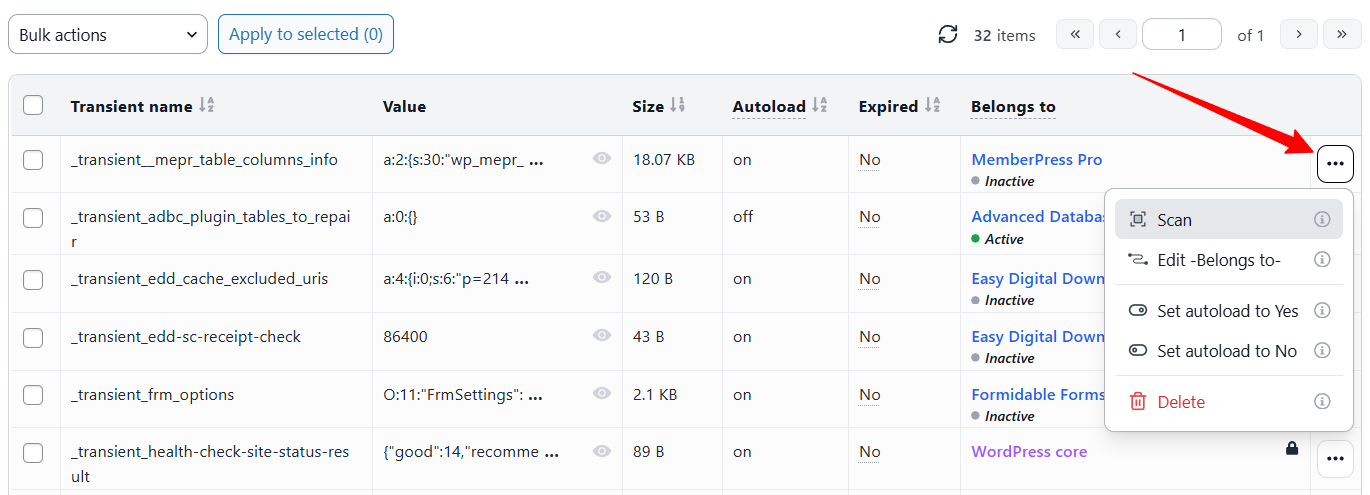
You can now perform actions directly from each row using quick actions. No need to select items first; everything is accessible instantly, saving time, especially on large databases.
📊 Better Database Insights
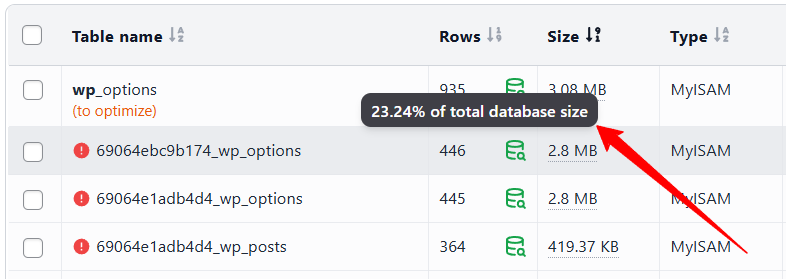
Table Size Percentage
Each table now shows the percentage of the total database size it occupies, to understand database distribution at a glance
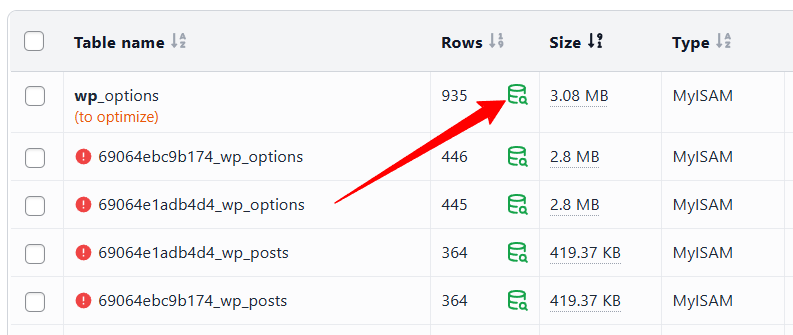
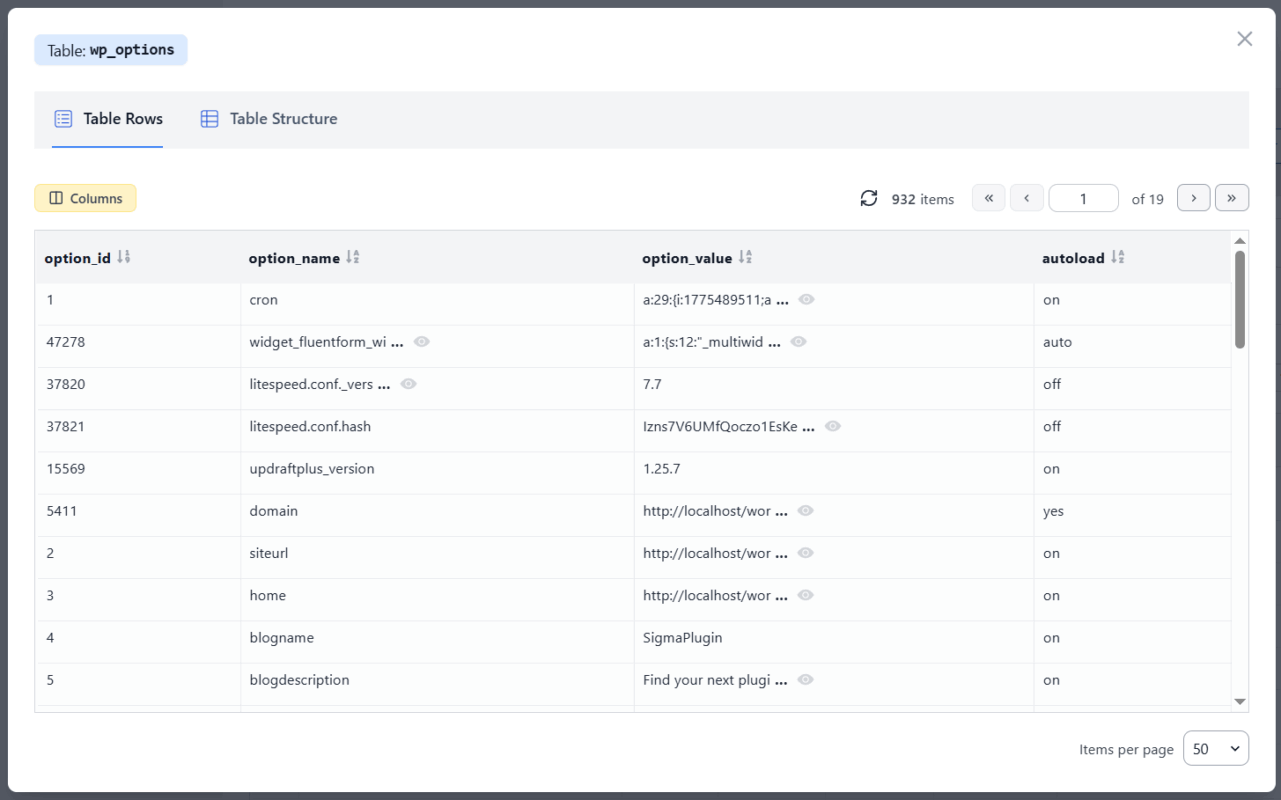
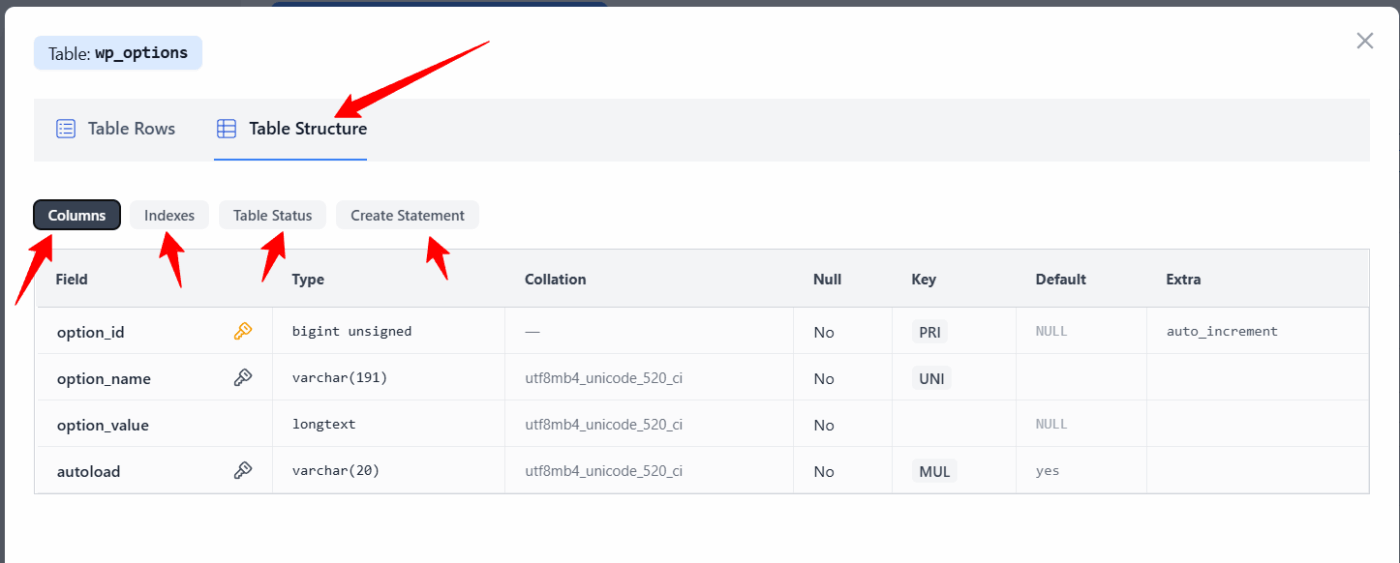
Full Table Inspection
You can now explore tables in detail: Rows content, Columns, Indexes, Table status, and Create statement. This turns the plugin into a lightweight database explorer, helping you understand exactly what’s inside your tables before taking action.
🛠️ New Table Actions
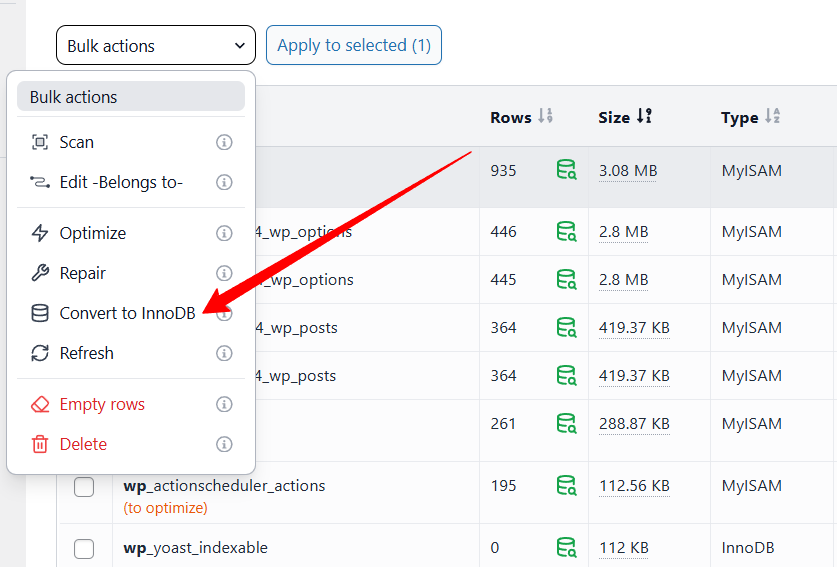
Convert to InnoDB
Easily convert tables to InnoDB engine:
- Better performance
- Improved reliability
- Supports transactions and row-level locking
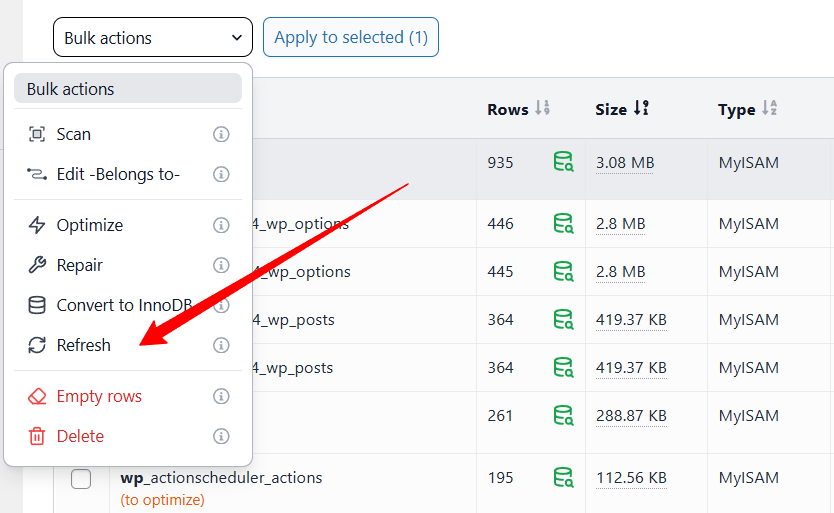
Refresh Table Stats
Use the new Refresh action to recalculate rows and size update table information instantly.
🧠 Performance Improvements
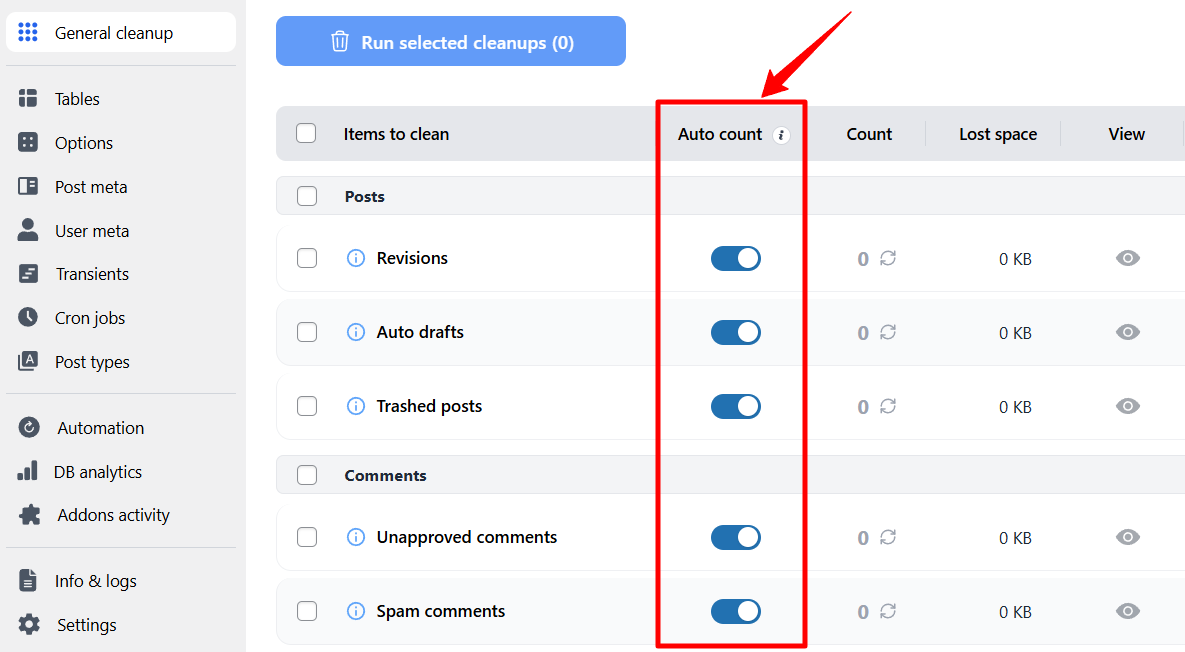
Auto Count Toggle
In the General Cleanup tab, each item now has:
- Auto count (enabled/disabled)
Why this matters:
- Counting items can be resource-intensive
- On large sites, it may slow down loading
Now you can:
- Disable auto-count for heavy items
- Load the page instantly
- Manually refresh counts only when needed
🔒 Enhanced Safety Controls
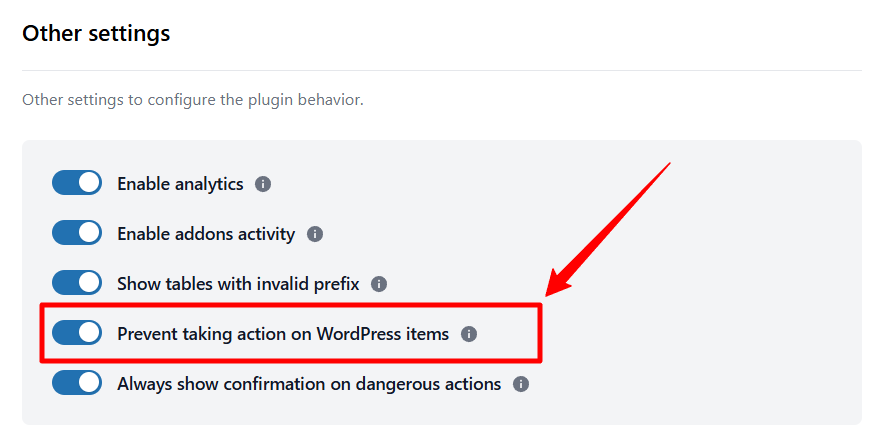
Protect WordPress Core Data
New setting: “Prevent taking action on WordPress items.“
- Blocks delete/empty actions on core WordPress data
- Prevents accidental critical damage
- Can be disabled if you explicitly want full control
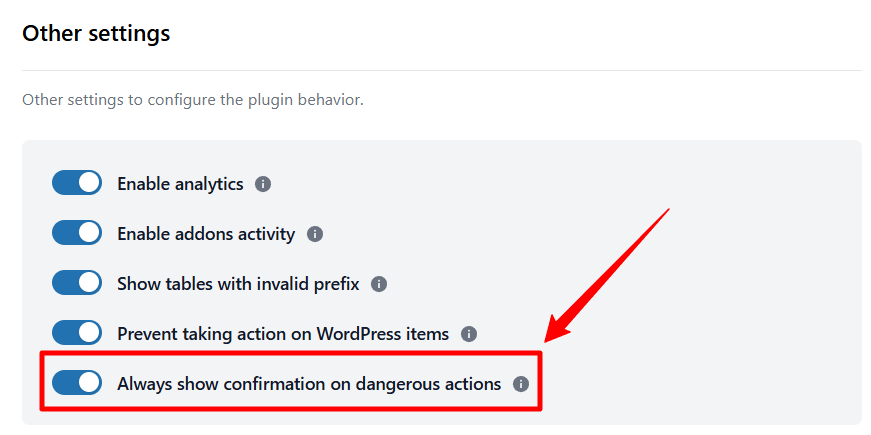
Smarter Confirmation Modals
For dangerous actions (Delete / Empty):
- Added “Don’t show again” option
- Optional global setting to skip confirmations
Perfect for advanced users who want faster workflows.
🔧 Full changelog
In this release, we also fixed several issues and improved the overall performance to ensure a smoother and more reliable experience.
For the full list of changes and technical details, please visit the changelog page.
💡 Final Thoughts
Advanced Database Cleaner continues to evolve with one goal in mind: giving you full control over your database while keeping it safe and performant.
With version 4.1.0, we focused on making the plugin faster and easier to use, especially for large and complex websites.
We’re already working on version 4.2.0, which will bring even more exciting features and improvements. Stay tuned!
As always, your feedback plays a key role in shaping future updates, so don’t hesitate to share your thoughts with us 🙌

Comments