
We’re excited to introduce Advanced Database Cleaner 4.3.0, bringing clearer visibility into database changes, an easier way to reduce autoload size, and new tools for AI-assisted and developer workflows.
Here’s a quick look at the six additions in this release.
1. WordPress Abilities API Integration
Advanced Database Cleaner now exposes its functionality through the WordPress Abilities API. Think of abilities as named actions that compatible tools can discover and call, with defined inputs and permission checks.
This gives developers a standard way to build integrations around the plugin’s database tools. The same ability catalog also powers the MCP and WP-CLI workflows.
The developer integrations require WordPress 6.9 or later, PHP 8.2 or later, and OpenSSL. Available operations continue to depend on your plugin edition.
Learn more in the WordPress abilities overview and our guide to using ADBC abilities with WordPress services and REST requests.
2. Connect AI Assistants with MCP
Version 4.3.0 introduces an MCP server, allowing compatible AI clients to work with Advanced Database Cleaner through the Model Context Protocol.
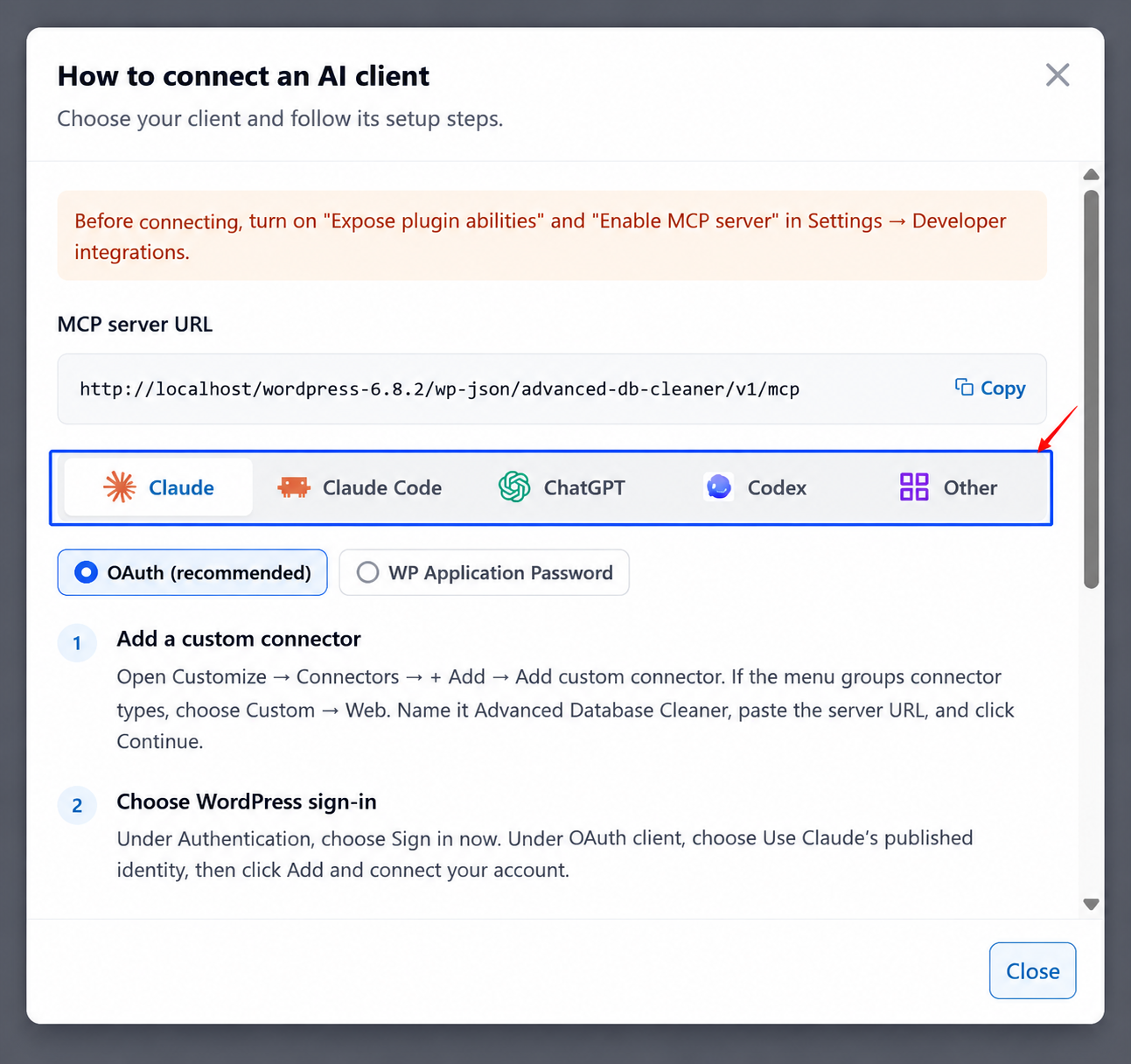
You can ask an assistant to inspect your database, explain cleanup candidates, or help with maintenance using the tools available in your plugin edition. The built-in connection guide covers Claude, Claude Code, ChatGPT, Codex, and other MCP clients.
Connections support read-only or write access. Destructive actions use an impact preview and a separate confirmation step, so your assistant must show the proposed changes and ask for approval before executing them.
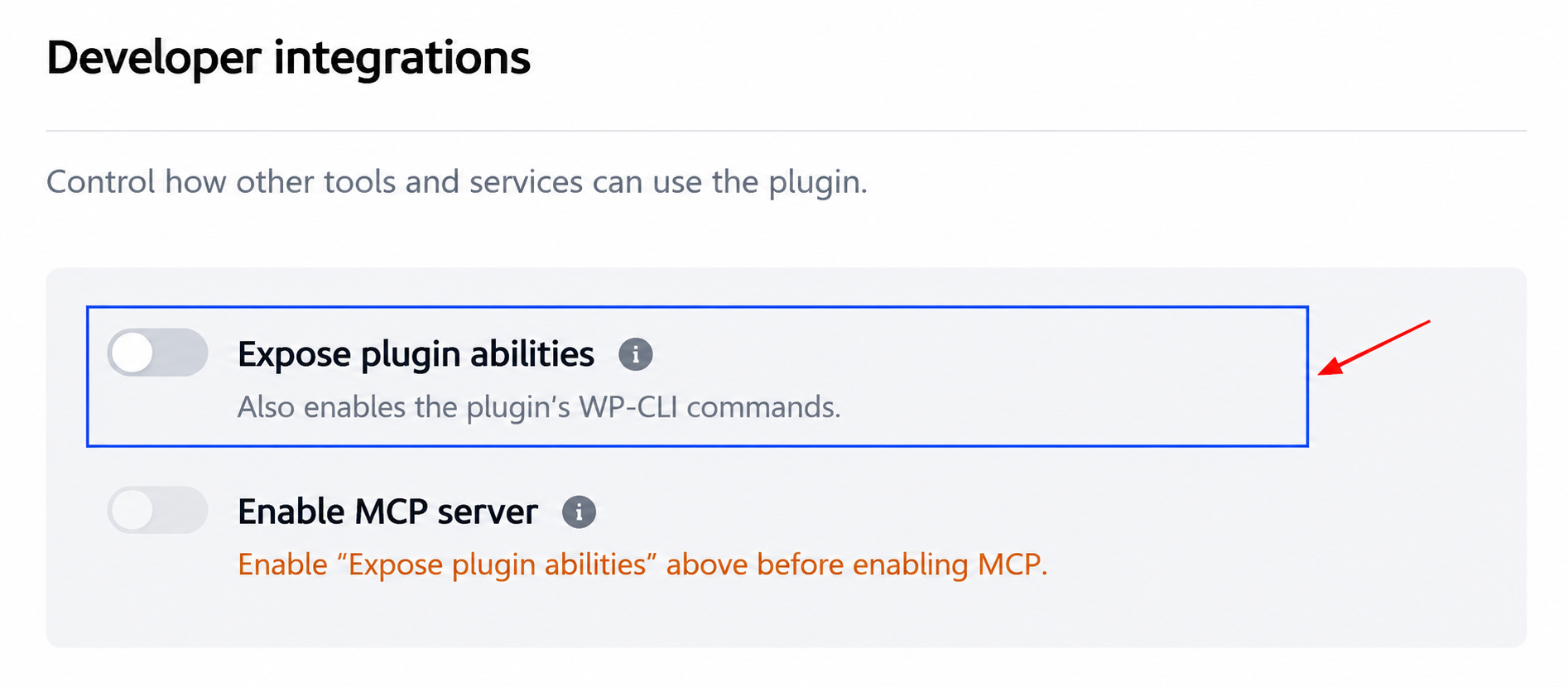
Start in Settings → Developer integrations: enable Expose plugin abilities, then Enable MCP server. Cloud-based clients need a publicly reachable HTTPS site.
Explore the MCP server overview and tool catalog, then follow our step-by-step guide to connecting an AI assistant.
3. WP-CLI Support for Terminal Workflows
Developers and site administrators can now access the plugin’s abilities from the terminal through WP-CLI. This helps bring database inspection and maintenance into existing scripts and site-management workflows.
For example, with plugin abilities enabled and the wp ability commands available, this read-only command retrieves system information:
wp ability run adbc/get-system-information --user=adminReplace admin with your administrator’s login. Destructive operations return a preview; the plugin’s wp adbc confirm command handles approval of that specific preview. See the WP-CLI ability command documentation for command availability and syntax.
Read the WP-CLI integration overview and how to run ADBC commands with WP-CLI for setup instructions and practical examples.
4. Reduce Autoload Size More Easily
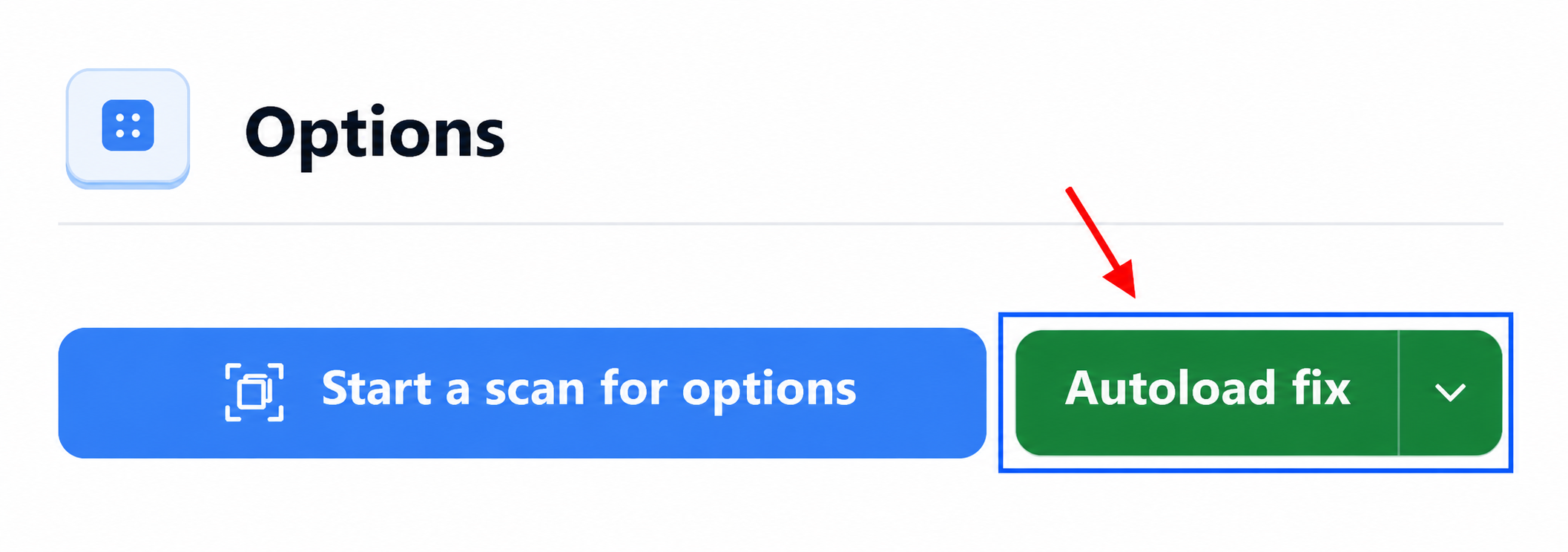
The Options tab now includes an Autoload fix button, designed to help you reduce autoloaded data without choosing options manually or writing SQL.
The plugin analyzes your autoloaded options and, when a fix is available, shows how many options it can update and the estimated reduction before you confirm. It turns off autoload for eligible options while preserving their values and protecting recognized WordPress core options.
If your autoload size is already healthy, it tells you that no fix is needed. An Undo latest fix action is also available when a restore point exists.
For a detailed walkthrough, see how to reduce autoload size in WordPress.
5. New Database Operations Log
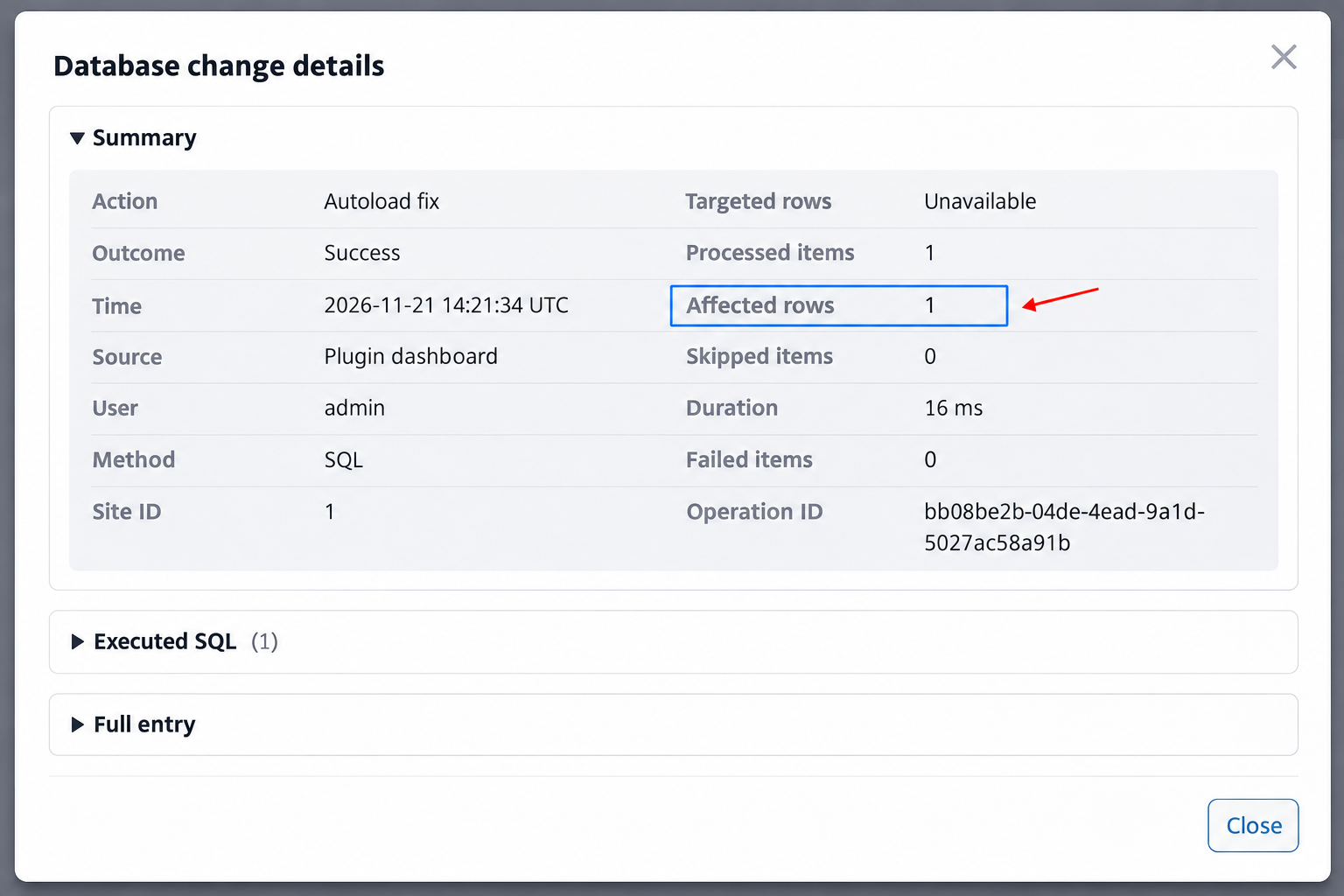
Want to know what changed and where it came from? The new Database operations log, under Info & logs, records database-changing operations performed through Advanced Database Cleaner.
- See the operation, time, source, user, duration, and outcome.
- Review processed items and affected rows when available.
- Filter the history and open an entry for more details, including recorded SQL.
This makes it easier to review manual cleanups, scheduled tasks, and actions started through MCP, abilities, or WP-CLI. You can also download the log as JSON.
6. Reset Addons Activity History
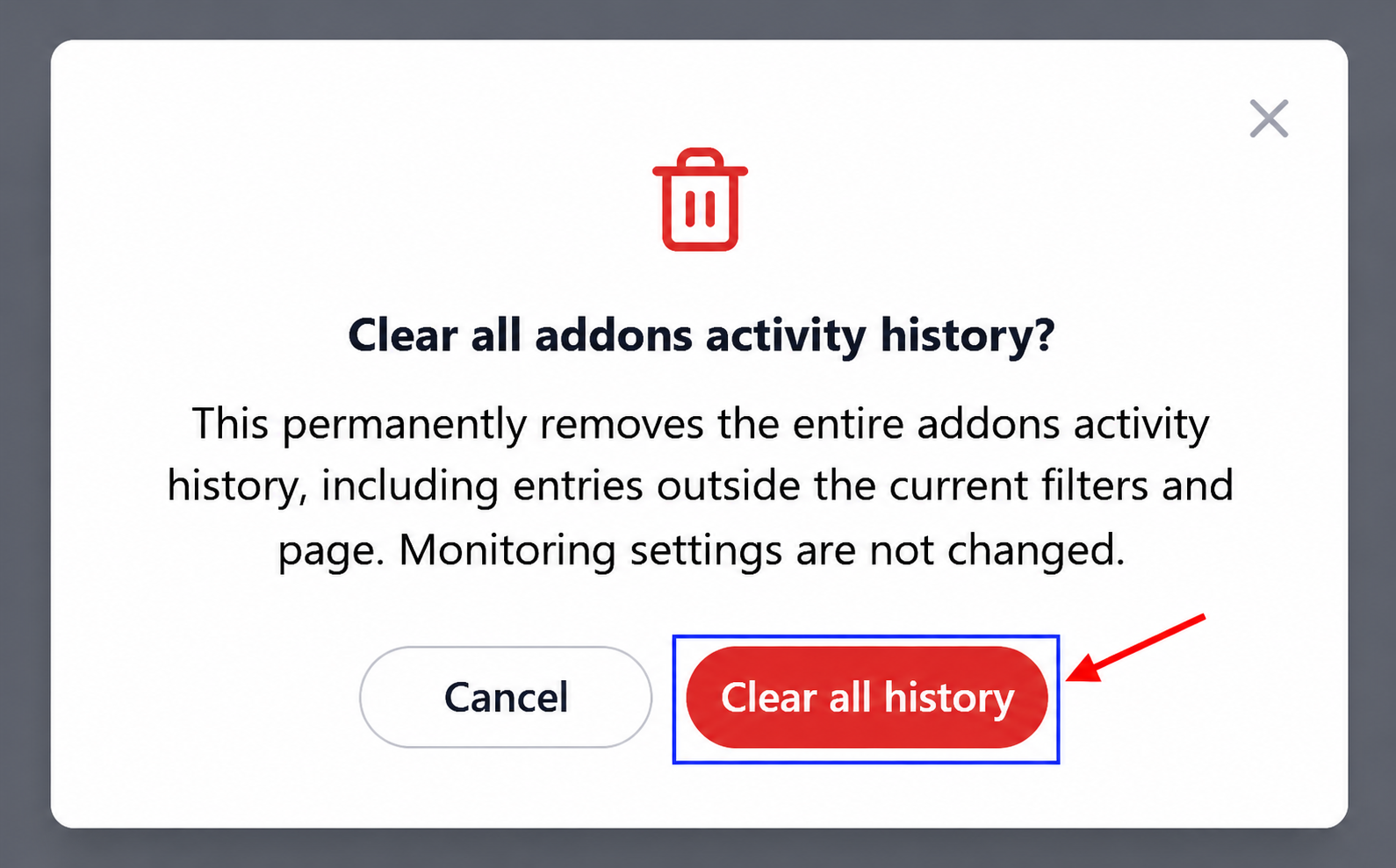
The Addons activity screen now includes a Clear all history button. When you no longer need the recorded plugin and theme activity, you can clear it directly from the interface.
This removes the entire activity history, including entries outside the current filters and page, while leaving monitoring settings unchanged. The Addons activity module is available in the paid editions.
More Visibility, More Ways to Work
Advanced Database Cleaner 4.3.0 brings everyday database maintenance and developer workflows closer together: review what happened, reduce autoload size with less manual work, and connect the tools you already use.
We’d love to hear how you use these additions. Share your feedback with us and help shape the next release! 🙌

Comments